
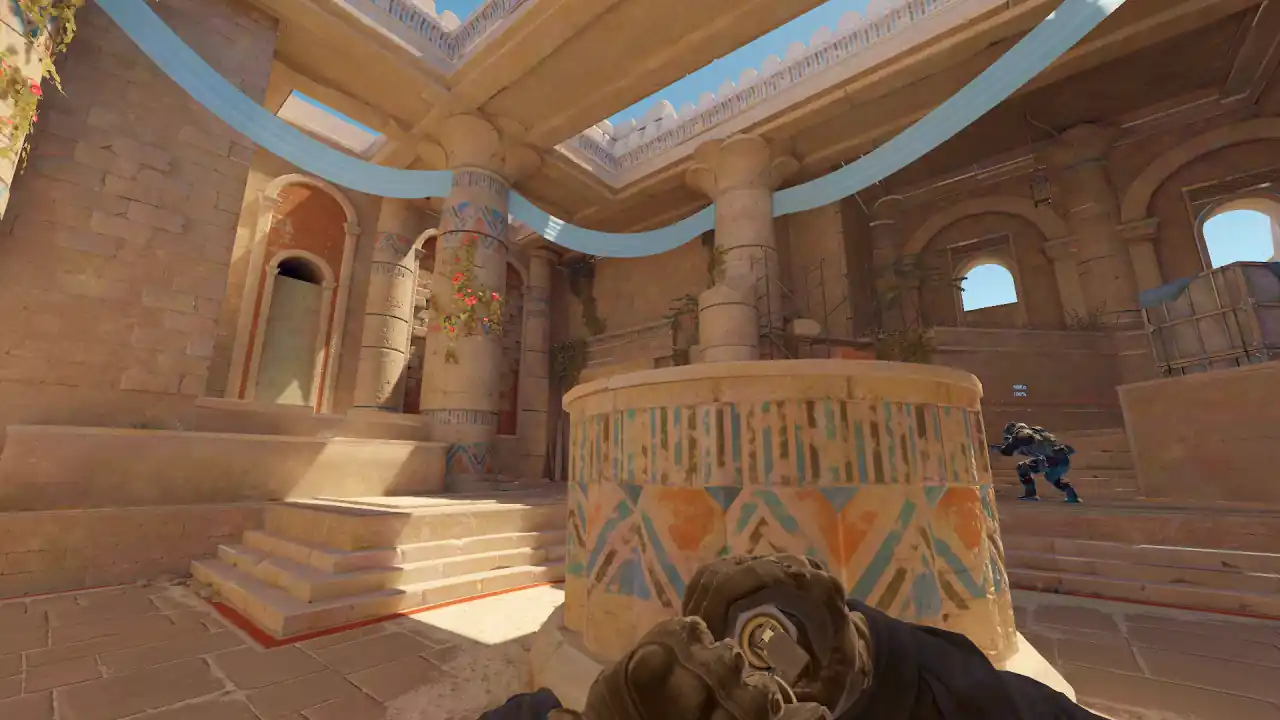
CS2 map viewer and map review
Memorin opens ten CS2 maps in real 3D geometry in your browser: Ancient, Anubis, Cache, Dust II, Inferno, Mirage, Nuke, Overpass, Train and Vertigo. Walking a map is free and needs no account.
To review a match on a map, load its demo and, in 3D with PRO, watch the setup in POV first, then check routes, spacing and sightlines. On Nuke, Train and Vertigo, confirm the floor before you judge anything.
Is there a CS2 map viewer in the browser?
Yes. Each map has its own page, and one click opens the map in 3D in walk mode, with no demo and no account. For example: Mirage in 3D, Dust II in 3D and Overpass in 3D.
Use it to check whether a boost is reachable, whether a smoke line is clear, or how long a rotation takes on foot. The geometry and lighting are extracted from the game, so a dark corner is dark in roughly the way it is in a match.
Which CS2 maps are supported?
These ten. The list comes from the same map table the replay loader and radar use, so it cannot drift between features.
| Map | Demo name | What to check |
|---|---|---|
| Ancient | de_ancient | Compare early utility with the space it really creates. |
| Anubis | de_anubis | Can teammates support first contact through the connectors? |
| Cache | de_cache | Check the setup before site contact. |
| Dust II | de_dust2 | Separate what long sightlines showed from hindsight. |
| Inferno | de_inferno | Track utility and spacing through narrow approaches. |
| Mirage | de_mirage | Compare mid control, connector support and site pressure. |
| Nuke | de_nuke | Two-level radar: confirm upper or lower floor first. |
| Overpass | de_overpass | Start early enough to see the long rotations. |
| Train | de_train | Two-level radar: move the camera around the trains. |
| Vertigo | de_vertigo | Two-level radar: check the floor before judging a trade. |
This is viewer support, not Valve's current map pool. The two can differ as maps enter or leave matchmaking. A demo on another map is refused cleanly instead of shown with missing walls.
How do you review a CS2 map from a demo?
- Ask one question. About one site hold, route, rotation or retake. "Why did our B defence fail?" beats "what went wrong?"
- Shortlist rounds. Use the Rounds and Events tabs. Take the first breakdown, a lost advantage and one good round on the same side.
- Watch the setup in POV (3D, PRO). Start before contact. Say only what that player could know.
- Rewatch in 3D (PRO). Use free, follow or top-down camera to see spacing, routes and utility across the map.
- Check the sightline on foot (3D, PRO). Press B and walk to the spot at player height instead of trusting a floating camera.
- Write one change. Name the trigger, the position and what you will do next time on that map.
The keys are in the controls guide. Need the demo? Upload it for analysis.
Watch a real round, take over and play it. Today's moment is free in 3D, with no account.
Play daily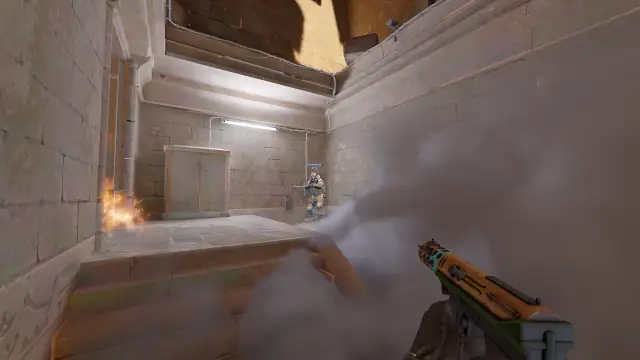
How do you review multi-level maps like Nuke and Vertigo?
A radar is a flat picture of a 3D map. Two players can look side by side while standing on different floors with no route between them. That is the most common source of wrong conclusions: "he was right there, why didn't he trade?"
Nuke, Train and Vertigo each have a separate lower-level radar, with a height line that decides which level a player is drawn on. Use it to orient, then confirm floors, walls and routes in 3D.
- Nuke: pause before a rotation and find when the destination became knowable.
- Train: move the camera around the trains before deciding support was available.
- Vertigo: check the floor first, every time.
Does the map viewer show callouts?
No. Memorin has no callout dataset, so it does not label places like "window" or "connector" on Mirage or Overpass. Printing names we have no source for would be guessing. What the viewer gives you is the real geometry to walk, from any angle, so you can learn the spots by standing in them.
Why does real map geometry matter for review?
A dot on a radar shows rotations and little else. Real geometry answers the questions a flat map cannot: was that boost reachable, did the smoke cover the doorway or only the radar line, was a head visible over the box from where the enemy stood.
Smokes are drawn as real volumes from the demo's smoke data. Each smoke is a 32 × 32 × 32 grid of 20-unit cells, so you judge what it actually covered.
What can map review not prove?
The viewer shows recorded positions, health, equipment, events and grenades. It can show that players were far apart, or that a smoke landed short. It cannot prove attention, intent or calls. "The teammate was not on a reachable trade path" is evidence. "The teammate refused to trade" is a guess about motive. See what a demo analyzer can and cannot tell you.
FAQ
Is there a CS2 map viewer online?
Yes. Memorin opens ten CS2 maps in real 3D geometry in your browser, in walk mode. It is free and needs no account or demo.
Which CS2 maps can I review demos on?
Ten: Ancient, Anubis, Cache, Dust II, Inferno, Mirage, Nuke, Overpass, Train and Vertigo. A demo on any other map is refused rather than shown with missing geometry.
Can I see the Mirage map in 3D?
Yes. The Mirage page opens the map in 3D in your browser and lets you walk it at player height, free and with no account.
Does the map viewer show callouts for Overpass or Mirage?
No. Memorin has no callout dataset, so it does not label places by name. It gives you the real geometry to walk from any angle instead.
Why do two players look close on the radar but never trade?
A radar is a flat picture of a 3D map, so two players can look side by side on different floors with no route between them. Nuke, Train and Vertigo have a separate lower-level radar for this reason.
Does the supported map list match the CS2 competitive pool?
Not always. It lists the maps the viewer can rebuild, not Valve's current pool. The two can differ when a map enters or leaves matchmaking.