
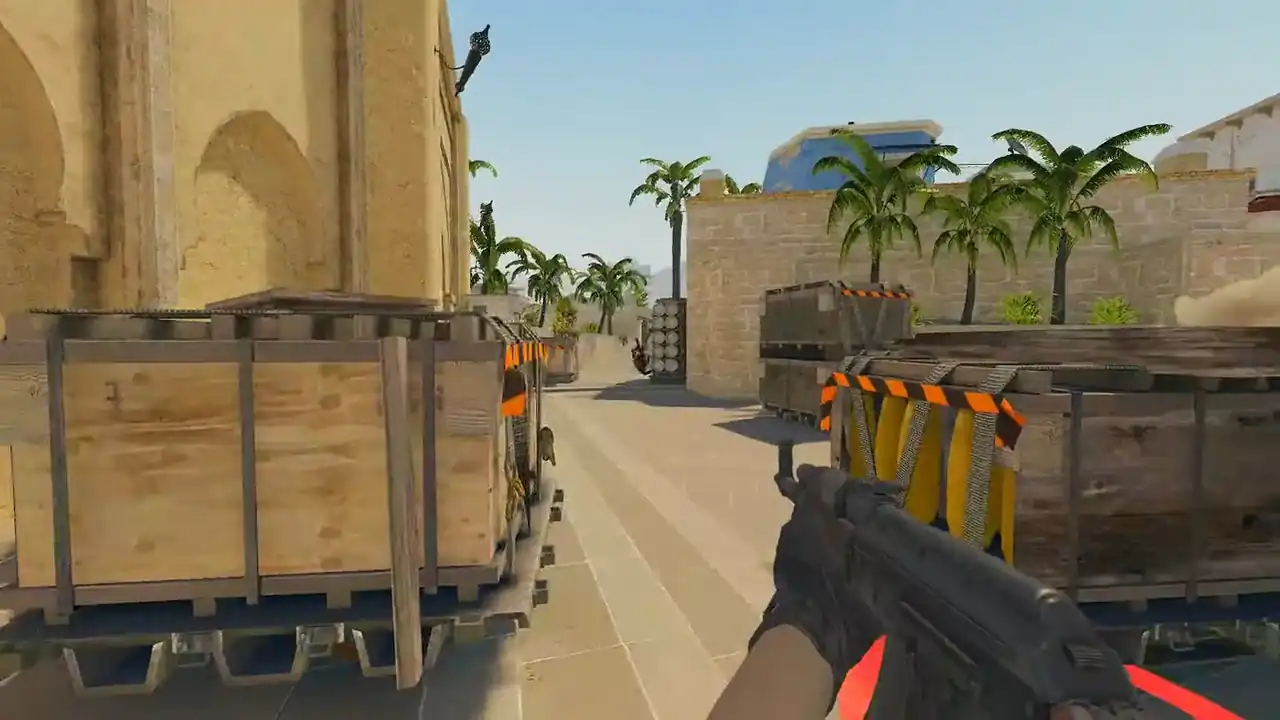
How to upload a CS2 demo for analysis
Sign in with Steam, drop the demo onto the upload area, and wait for one parse. Compressed files go in as they are.
You get a 2D replay of the match (3D with PRO) and a review panel with four tabs: Summary, Rounds, Events and Utility. Only your account can see a private demo.
How do I upload a CS2 demo for analysis?
- Sign in with Steam. Open the demo viewer. Uploads belong to an account, so the free Steam sign-in comes first.
- Add the demo. Drop the file onto the upload area.
.dem,.dem.gz,.dem.zstand.dem.bz2all go in as they are. Or paste a match sharing code or a Leetify link instead. - Wait for the parse. The server reads the demo once and saves the result. Longer matches take longer. Reopening the match later is quick.
- Open the review panel. Press R in the replay. Work through Summary, Rounds, Events and Utility.
- Play the death that repeats. Open the situation you keep losing as a Replay Moment (PRO) and try the other option.
Is uploading a CS2 demo free?
Yes, with a free Steam sign-in. A free account adds one demo a day, uploaded or imported, and keeps it for 48 hours. Watching in 2D and the review panel are free. PRO adds the 3D replay, unlimited demos with 30-day storage and every moment on any match.
Watch a real round, take over and play it. Today's moment is free in 3D, with no account.
Play daily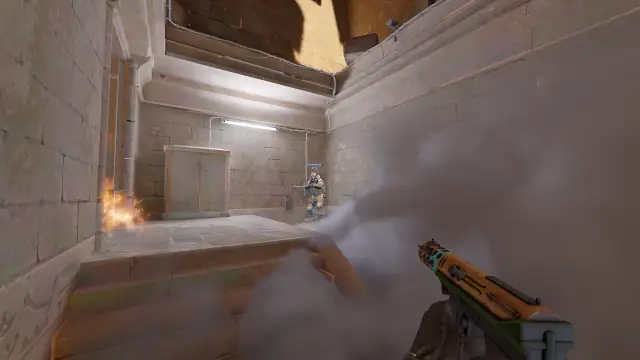
Which demo should I upload first?
A close loss. A blowout teaches little you can act on. A close loss packs in the rotations, utility and spacing errors that repeat every week.
If you are choosing between two matches, take the one where you felt confused, not the one where you felt unlucky. Need the file? See how to download CS2 demo files.
Can I import a demo without uploading the file?
Yes. Paste one of these into the same box and the server fetches the demo itself. Nothing large goes through your connection.
| You have | What happens |
|---|---|
A match sharing code (CSGO-…) | The server asks Valve for the demo and downloads it |
| A Leetify match link | The match is resolved and fetched |
A direct link to a .dem file | The file is downloaded |
Temporary signed download links are refused, because they expire within minutes. Paste a share code or a Leetify match link instead, or upload the file. Connecting your CS2 match history lets recent matches arrive on their own; see match sharing codes and Premier demos.
What does the parser keep from a CS2 demo?
The server reads the file once and writes three things. Together they set the limit on every analysis you can do later.
- Match data. Map, players, teams, round boundaries, the score across side swaps, and kill, plant and defuse events.
- A player snapshot stream. Position, view angle, health, armour, crouch, active weapon and money for every player. It samples every two demo ticks, which is 32 snapshots a second on a 64-tick demo. Playback smooths between them.
- Grenade data. Every throw by round and type with its full path, plus the smoke volume data that draws smokes as real clouds.
Events such as kills keep their own exact ticks, so the sampling does not blur event timing. Some server-recorded demos, such as FACEIT's, also carry player voice, and it plays back free.
How do I use the match review panel?
Press R. The panel docks beside the view instead of covering it.
| Tab | Use it to |
|---|---|
| Summary | Check map, score and names, then per-player numbers. Export JSON or CSV. |
| Rounds | Jump to the rounds that decided the match |
| Events | Step through kills, damage, bomb and utility events |
| Utility | Jump to any grenade and draw its full path in the world |
The keys that pair with it: Q/E for the previous and next event, Shift+Q/E for deaths, Shift+arrows for rounds. What each number means is in ADR, KAST and opening duels. The routine to follow is in how to review a CS2 demo.
Who can see a demo I upload?
Only you. A private demo and everything parsed from it are available to the account that added it. You can delete one demo or your whole account, and export your data. The privacy notice is the authoritative text.
FAQ
How do I upload a CS2 demo?
Sign in to Memorin with Steam and drop the demo onto the upload area. The .dem, .dem.gz, .dem.zst and .dem.bz2 forms all go in as they are. The server parses it once and the match opens in 2D; 3D is PRO.
Do I have to unzip a CS2 demo before uploading?
No. The uploader reads .dem.gz, .dem.zst and .dem.bz2 directly, so a compressed download from FACEIT or Valve goes in exactly as it arrived.
Can I import a CS2 demo with a share code instead of uploading?
Yes. Paste a match sharing code, a Leetify match link or a direct demo link. The server fetches the demo itself, so nothing large goes through your connection.
What does the parser extract from a CS2 demo?
Match data such as rounds, kills, plants and defuses; a snapshot stream of each player's position, view angle, health, armour, crouch, weapon and money; and every grenade throw with its full path.
Is uploading a CS2 demo free?
Yes, with a free Steam sign-in. A free account adds one demo a day, uploaded or imported, and keeps it for 48 hours. PRO adds the 3D replay, unlimited demos with 30-day storage and every moment on any match.
Are uploaded CS2 demos private?
Yes. A private demo and everything parsed from it are available only to the account that added it. You can delete one demo or your whole account.