
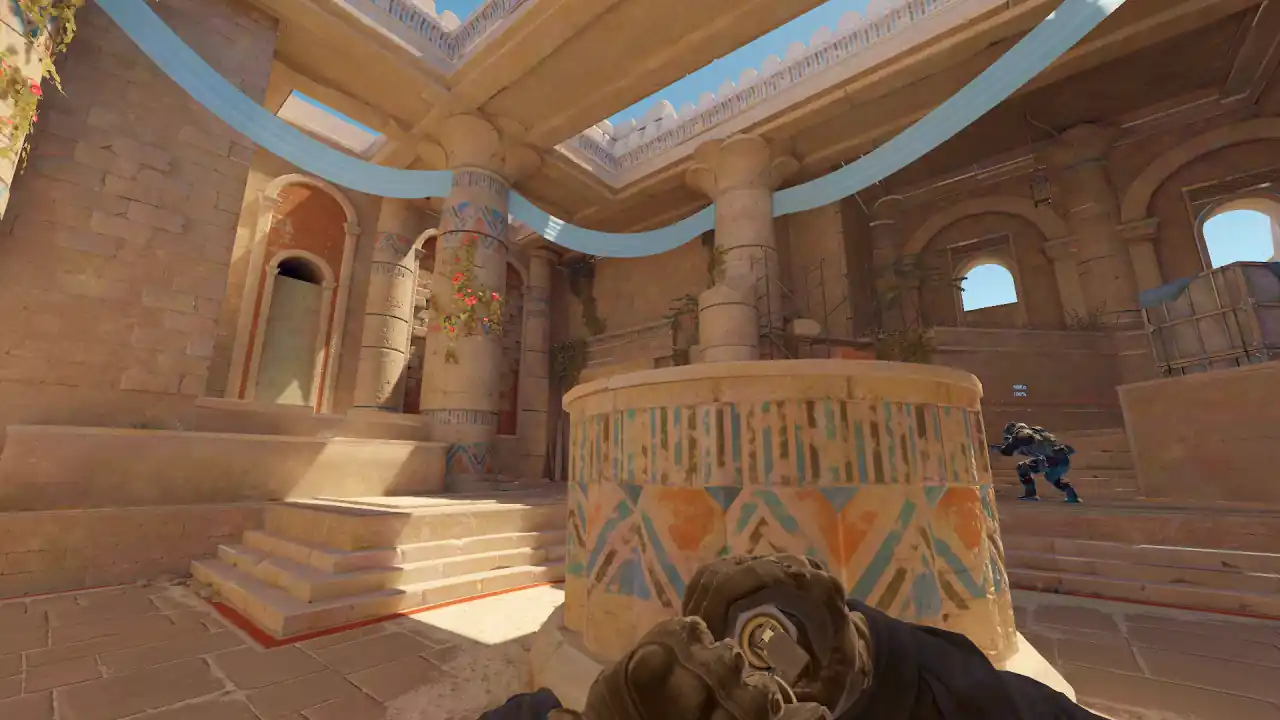
How to review CS2 smokes, flashes and grenades in a demo
Open a decisive round, jump to each grenade in the Utility tab and draw its whole path. Then compare when it took effect with when the players moved.
For flashes, read the recorded victims. For HE and fire, read the recorded damage. Keep what the demo shows apart from what you think the throw was for.
Prefer video? Learn and practise CS2 smokes in the browser (YouTube, Memorin channel).
How do you review utility in a CS2 demo?
- Pick the round and its purpose. Choose an entry, a hold, a retake or a post-plant where utility plausibly shaped the result.
- Watch it once without pausing. Note first contact, the space gained or lost, and the outcome.
- Open the Utility tab. Press R for the review panel. Count the throws, then jump to each smoke, flash, HE or fire grenade that matters.
- Draw the full path. Look at the release point, bounces and landing in the 3D world (PRO). N toggles grenade trails.
- Compare it with the players. Where were teammates and enemies when it left the hand, and when it took effect?
- Check the recorded outcome. Read flash victims and utility damage where they exist. Use a smoke sightline result only when it says available.
- Write one change. Tie it to something you can see, like a teammate reaching the choke.
What should you check for each grenade type?
How do you review a smoke?
Follow it to the landing, then switch to free camera (3D, PRO). Which lane did it take away? Who could move while it was up? Put the camera at head height on both sides: a smoke that looks right on a radar line can still leave a gap.
How do you review a flashbang?
Compare the pop with the supporting peek. A flash that blinds three players but lands after the entry fight is still badly timed. The "facing away" note means the demo recorded the victim looking away. It does not mean they turned because of the flash.
How do you review a molotov or HE?
Check where it landed against the choke, plant spot or route, and what players did around it. Damage is one outcome, not the goal. A molotov with zero damage can still be the best utility of the round if it stopped a rotation.
Watch a real round, take over and play it. Today's moment is free in 3D, with no account.
Play daily
What utility data does a demo show?
Throws are grouped by type and round. Picking one jumps the replay there and draws its path in 3D (PRO). Smokes are real volumes built from the smoke data in the demo, not a flat icon, so you judge what a smoke covered, not where it landed.
| Evidence | What it tells you |
|---|---|
| Flash victims | Who the demo says was blinded, for how long, and whether they were facing away |
| Utility damage | Damage recorded from the thrower's HE, molotov or incendiary |
| Repeated starts | How many other throws began near the same spot: a practised lineup or an improvised one |
| Smoke-blocked sightlines | Position pairs the smoke blocked. If it cannot be computed, the panel says why |
What is the right delay between a flash and a peek?
There is no universal number, and any guide that gives one in seconds is making it up. Compare the order of events in that round instead. Pause at the throw, at the effect and at first contact, and ask:
- Was the entry player ready when the flash or smoke took effect?
- Did defenders take the lane back before teammates arrived?
- Did two players spend utility on the same job while another lane stayed open?
- Was utility still in hand when the round reached the problem it was bought for?
, and . step one frame, so you can stop exactly on the release and the pop. More keys are in the controls guide.
Can I practise a lineup taken from a demo?
Yes, in 3D (PRO). Open a supported throw from the Utility tab in practice. You stand at the recorded release spot, on the recorded side, with a ghost of the original path to throw against. R resets and Esc returns you to the paused replay. Grenade types that cannot be recreated yet say so instead of loading something slightly wrong.
Throws can also be saved as a lineup. The Lineups library is built the same way: each lineup is a real throw you can play.
Is the grenade physics the same as in CS2?
It is ported from the game, not tuned by feel. Grenades fall at exactly 320 u/s² with no air drag and leave every bounce at 0.45× their speed. Each value's evidence is on its page: grenade gravity, grenade bounce, throw speed and smoke voxels.
FAQ
How do you review utility in a CS2 demo?
Pick a decisive round, jump to each throw in the Utility tab, draw its full path, and compare when it took effect with when players moved. Keep what the demo shows separate from what you think the throw was for.
Can a demo prove that a smoke or flash was good?
No. It shows recorded positions, events and outcomes. Whether a throw was the right choice also depends on the plan, calls and intent, which the demo does not contain.
What utility evidence does the demo viewer show?
Throws by type and round, full paths in 3D (PRO), flash victims with durations, utility damage, repeated throws from the same spot, and smoke sightline results where they can be computed.
What is the right delay between a flash and a peek in CS2?
There is no universal number. Compare the order of events in that round: was the entry player ready when the flash took effect, and did defenders take the lane back first?
Can I practise a grenade lineup taken from a demo?
Yes, in 3D (PRO). Open a supported throw from the Utility tab in practice. You stand at the recorded release spot with a ghost of the original path to throw against, and you can save it as a lineup.
Do CS2 grenades have air drag?
No. CS2 grenades fall at exactly 320 u/s² and have zero air drag. The value was measured from 666 flight segments and proved in a replay.