
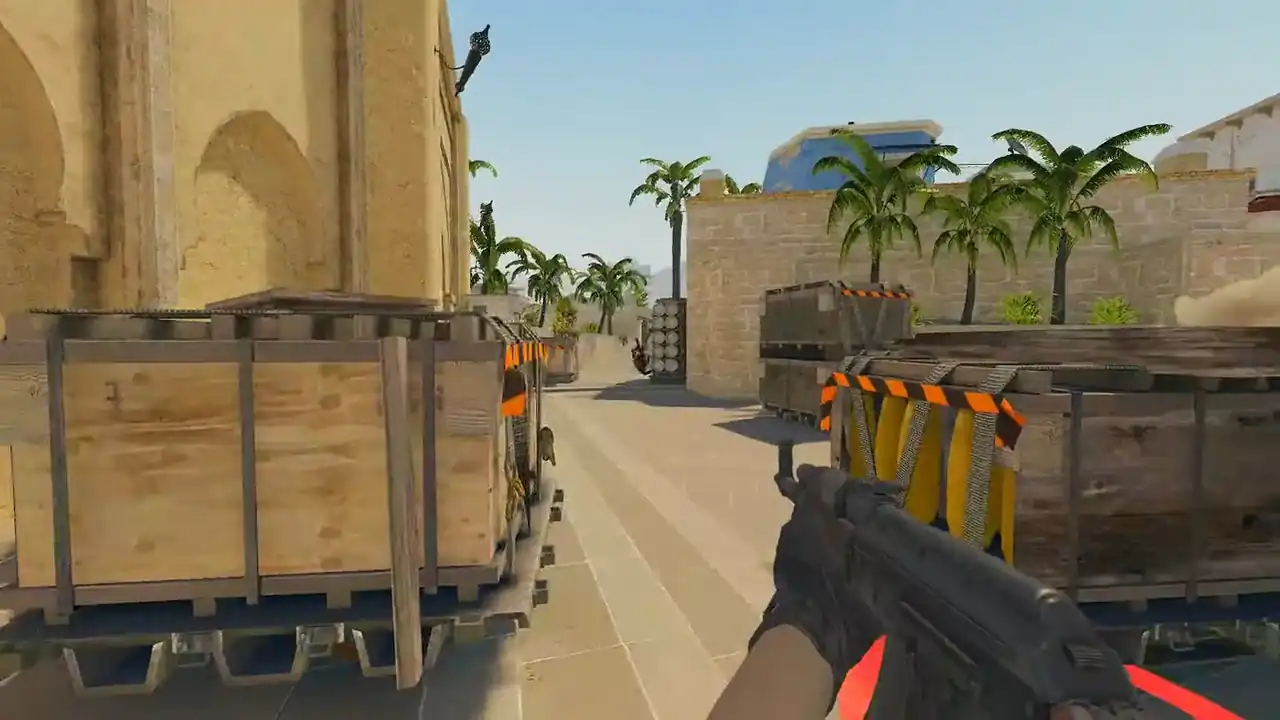
How to watch FACEIT demos online
Use the Watch in 3D extension: open the FACEIT matchroom and click WATCH REPLAY. Memorin rebuilds the match as a replay in your browser, in 2D free or 3D with PRO.
Or download the demo from FACEIT and drop the .dem.gz or .dem.zst in exactly as it came. There is nothing to unzip and no CS2 client to open. A pasted matchroom link will not work, because FACEIT only lets your own browser download your demo.
Prefer video? How to watch a FACEIT demo (YouTube, Memorin channel).
How do I watch a FACEIT demo without downloading it?
- Add the extension. Add the Watch in 3D extension from the Chrome Web Store, where it is listed as Memorin. It is Chrome only for now; on Firefox, use a downloaded file.
- Open the matchroom. Open the finished match on FACEIT.
- Click WATCH REPLAY. The first time, finish pairing with your Memorin account. The import then resumes by itself.
- Wait for the parse. The server unpacks and reads the demo once. Longer matches take longer.
- Watch in 2D, or in 3D with PRO. Use the timeline and press R for the review panel. In 3D (PRO), use POV and free camera.
Nothing lands in your Downloads folder. The paste box does not take FACEIT links, but it does take match sharing codes, Leetify match links and direct demo links. See watch a CS2 demo without downloading.
How do I watch a FACEIT demo I already downloaded?
Drop it onto the upload area, archive and all. The uploader reads .dem, .dem.gz, .dem.zst and .dem.bz2 directly.
Use the file route if you do not want the extension, or for any map of a series after the first. If the matchroom is still online, the extension is faster and uses no disk space.
Watch a real round, take over and play it. Today's moment is free in 3D, with no account.
Play daily
What is a .dem.zst file?
It is a CS2 demo compressed with Zstandard. FACEIT serves demos compressed, so the download is a .dem.zst or .dem.gz rather than a bare .dem. Inside is the same demo format CS2 writes for your own matches.
The in-game player needs the bare .dem in your game folder. A browser viewer does not. For the in-game route, see how to download CS2 demo files.
Which map do I get from a best-of-three matchroom?
The extension button builds the first map. A series matchroom holds one demo per map played. For any other map, download that map's demo from the matchroom and drop the file in: each map is its own replay with its own rounds.
Is there a one-click button on the FACEIT matchroom?
Yes. A browser extension for Chrome adds a WATCH REPLAY button to supported CS2 matchrooms. Your browser makes the same request as FACEIT's own download button, and the demo goes straight to Memorin. It is optional: a downloaded file gives the same replay.
Can I hear voice chat in a FACEIT demo?
Often, yes. FACEIT server demos can record player voice, and Memorin plays it back for free. GOTV broadcast demos and Valve matchmaking demos carry no voice at all. That is a property of the recording, not a viewer fault.
Can I watch ESEA and other platform demos the same way?
Yes, if the platform lets you download the .dem. The viewer reads the demo itself, not the platform. Download it and upload the file.
Pasting a link only works for match sharing codes, Leetify match links and direct demo links. Everything else takes the download-and-upload route, which gives the same replay.
FAQ
Can I watch a FACEIT demo without downloading it?
Yes, with the Watch in 3D extension. Click WATCH REPLAY in the matchroom and the demo goes to Memorin without touching your Downloads folder. A pasted matchroom link will not work, because FACEIT only lets your own browser download your demo.
Is there a FACEIT demo viewer online?
Yes. Memorin opens FACEIT demos in the browser, from the extension button in the matchroom or from a downloaded file. You need a free Steam sign-in to add a match.
Do I have to unzip a FACEIT demo before uploading it?
No. A FACEIT download arrives compressed, and the uploader reads .dem, .dem.gz, .dem.zst and .dem.bz2 directly, so the file goes in exactly as it downloaded.
What is a .dem.zst file?
A CS2 demo compressed with Zstandard. FACEIT serves demos compressed, so the download ends in .dem.zst or .dem.gz. Inside is the same demo format CS2 writes.
Which map do I get from a best-of-three matchroom?
The extension button builds the first map. A series matchroom holds one demo per map played. For any other map, download that demo from the matchroom and drop the file in.
Can I hear voice chat in a FACEIT demo?
Often, yes. FACEIT server demos can record player voice, and Memorin plays it back for free. GOTV broadcast demos and Valve matchmaking demos carry no voice.
Can I watch ESEA and other third-party CS2 demos the same way?
Yes, if the platform lets you download the .dem file. The viewer reads the demo itself, not the platform, so download it and upload the file.