
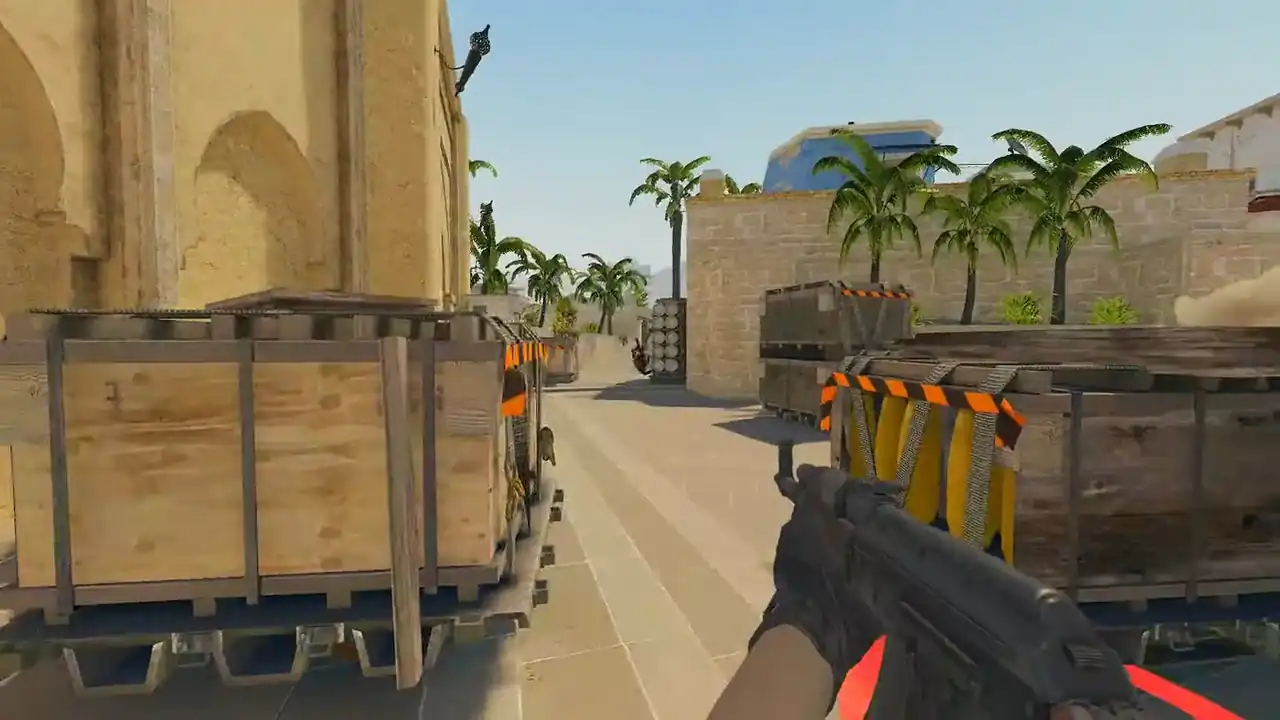
How to watch HLTV demos in a browser
An HLTV demo download is an archive that holds ordinary CS2 .dem files, one per map. Extract it, upload the .dem for your map, and the match plays in 2D, or in 3D with PRO in your browser.
No download at all? Open a pro match that is already built, with no account. Or use the browser extension's one-click button on the HLTV match page.
How do I watch an HLTV demo in a browser?
- Download the demo archive. Open the finished match on HLTV and use its demo download. You get one archive for the whole series.
- Extract the archive. Unpack it on your computer. Take out the
.demfile for the map you want. - Upload the .dem. Open the demo viewer, sign in with Steam and drop the file onto the upload area.
- Wait for the parse. A full pro map takes longer than a short matchmaking game, because rounds, kills, grenades and moments are all indexed once.
- Watch in 2D, or in 3D with PRO. Use the round timeline and press R for the review panel. In 3D (PRO), use POV and free camera.
Is there a way to watch pro matches with no download at all?
Yes. Memorin publishes a library of pro matches you can watch in 2D, free, signed out, with no account. Each match links its map and players. The library is curated, so it will not hold every match HLTV lists.
Watch a real round, take over and play it. Today's moment is free in 3D, with no account.
Play daily
What is in an HLTV demo download?
A series archive, in RAR or ZIP format, with one .dem per map played. Each .dem is the tournament's GOTV recording, in the same format CS2 writes for your own matches. A viewer reads the demo, not the site it came from.
GOTV is the broadcast recording, not one player's screen. It has every player position, shot, grenade and round event, so you can watch from any angle. It does not have any player's own client view, and it carries no voice.
Do I need to extract the HLTV download first?
Yes, for the manual upload. The uploader reads .dem, .dem.gz, .dem.zst and .dem.bz2, but not RAR or ZIP archives. Unpack the archive, then upload the .dem inside.
If a file will not upload, check its extension first. An archive that still has its outer wrapper is the most common reason a good pro demo is refused.
What should I look at in a pro demo?
- The setup, not the kill. Rewind twenty seconds before the deciding fight and watch where the other four stand.
- Their utility. In 3D (PRO), pause at the throw, switch to free camera, and follow the path and landing. See how to review smokes and grenades.
- POV against free camera (3D, PRO). POV shows what the player had. Free camera shows what was there.
- One idea. Take one repeatable habit away, not ten.
Can I watch old CS:GO demos from HLTV?
No. A CS2 demo starts with the bytes PBDEMS2. A CS:GO demo starts with HL2DEMO and is a different format. Memorin refuses it with a clear message instead of showing it wrong. Much of HLTV's archive is from before CS2, so check the match date first. More in demo file is incompatible with this game version.
Playback also runs on whole ticks, so the order of sub-tick commands inside one tick is not recovered. For positions, timings and utility that makes no difference. For frame-exact duel study, the in-game player is the reference.
FAQ
Can I watch an HLTV demo without installing CS2?
Yes. An HLTV demo is an ordinary CS2 demo inside an archive. Extract it, upload the .dem to a browser demo viewer, and the match plays in 2D, or in 3D with PRO.
Do I need to extract the HLTV download before uploading it?
Yes, for a manual upload. The download is a RAR or ZIP series archive, and the uploader reads .dem, .dem.gz, .dem.zst and .dem.bz2, not RAR or ZIP. Unpack it and upload the .dem inside.
Can I paste an HLTV match link?
No. Link pasting covers match sharing codes, Leetify match links and direct links to a .dem file. The browser extension adds a WATCH REPLAY button to HLTV match pages instead.
How many demos does one pro match contain?
One per map played. A best-of-three archive holds up to three separate demo files, each a complete recording of its own map.
Can I watch pro CS2 matches without downloading anything?
Yes. Memorin's pro match library opens signed out, with no account. It is curated, so it does not hold every match HLTV lists.
Can I watch old CS:GO demos from HLTV?
No. A CS:GO demo starts with HL2DEMO and is a different format from a CS2 demo, which starts with PBDEMS2. Memorin refuses it with a clear message.