
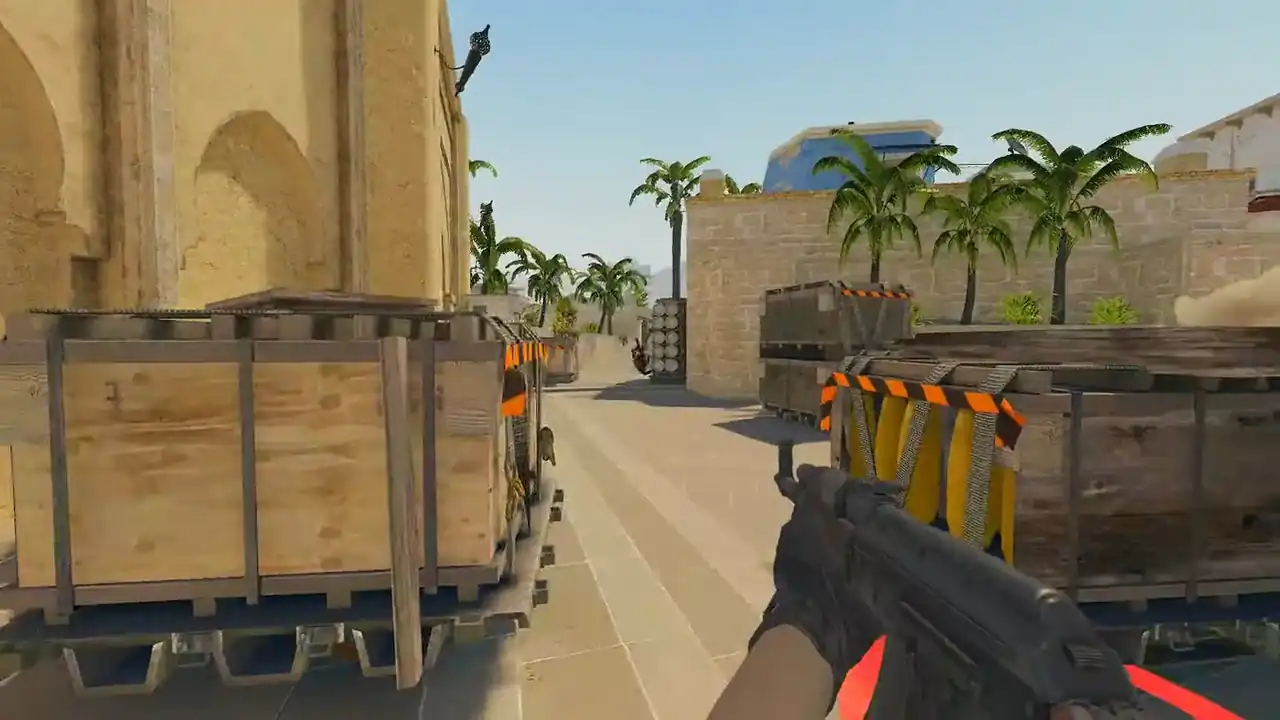
How to download CS2 demos, and where to put them
Download the demo from the place the match was played: CS2's Watch → Your Matches for Premier and matchmaking, the matchroom for FACEIT, or the match page for HLTV pro games. The file ends in .dem, often with a compression suffix such as .zst, .gz or .bz2.
To play it in CS2 with playdemo, put it in the csgo folder inside the game directory. To watch it in a browser, upload it from anywhere, or skip the download and paste a match sharing code.
Where do I download a CS2 demo?
| Where you played | Where the demo is | What you get |
|---|---|---|
| Premier or matchmaking | CS2: Watch → Your Matches | A Valve replay, served as .dem.bz2 |
| FACEIT | The match's matchroom | A compressed demo |
| Pro match | The HLTV match page | A compressed archive to extract |
| Your own recording | The record command | A .dem in your game folder |
Every source keeps demos for a limited time. Download the matches you care about while they are still listed. Keep the original file until the replay opens, and rename it with the date, map and opponent.
For FACEIT, follow FACEIT's own help article, since their site is the authority on their product. For pro games, see watching HLTV demos in a browser.
Where do I put demo files in CS2?
In the csgo folder inside your Counter-Strike 2 game directory. That is where demos the game writes go, and playdemo looks for file names there. Then open the console and run playdemo with the file name.
- Unpack it if needed. Unzip a
.zipor.rararchive, and decompress a.zst,.gzor.bz2file, so you have a plain.dem. - Move it. Put the
.demin thecsgofolder inside the Counter-Strike 2 game directory. - Play it. Enable the developer console in the game settings, open it and run
playdemofollowed by the file name.
A browser viewer skips all three steps. The file can stay in your downloads folder, still compressed.
Watch a real round, take over and play it. Today's moment is free in 3D, with no account.
Play daily
What is a CS2 demo file?
A CS2 demo is a recording of match state written by the game server, not a video. It stores player positions, view angles, health, weapons, money and match events tick by tick, which is why a demo can be replayed from any camera angle while a video cannot.
It holds what was recorded in the match, not a player's screen or video settings. It does carry each player's crosshair. Voice depends on who recorded it: FACEIT server demos can carry it, and GOTV and Valve matchmaking demos do not.
What is a .dem.zst file?
A CS2 demo compressed with Zstandard. The same goes for .dem.gz (gzip) and .dem.bz2 (bzip2), which is how Valve serves matchmaking replays. The compressed file is still the demo.
Memorin reads all three as they are and decompresses them on the server. A .zip or .rar is different: it is a container, so unpack it and upload the demo inside. Never rename a compressed file to .dem. That changes the label, not the bytes.
Can I skip downloading the demo?
Yes. Sign in to Memorin and paste a match sharing code, a Leetify match link or a direct demo URL. The server fetches the recording and you watch it in 2D in your browser, or in 3D with PRO. See watch a CS2 demo without downloading.
What if the demo will not download or open?
- CS2 says "download incomplete": see CS2 demo download incomplete.
- CS2 says the demo is incompatible with this game version: see the incompatible demo fix.
- The file is only a few kilobytes: it is an error page, not a demo. Download it again.
- The map is not one of Ancient, Anubis, Cache, Dust II, Inferno, Mirage, Nuke, Overpass, Train or Vertigo: the browser replay cannot draw it.
FAQ
Where do I put demo files in CS2?
In the csgo folder inside your Counter-Strike 2 game directory. That is where demos the game writes go, and playdemo looks for file names there. A browser viewer does not need the file in any particular folder.
How do I download a CS2 demo?
Download it from where the match was played: CS2 Watch, Your Matches for Premier and matchmaking, the matchroom for FACEIT, or the HLTV match page for pro games. Or paste a match sharing code into a browser viewer and skip the download.
What is a .dem.zst file?
A CS2 demo compressed with Zstandard. The compressed file is still the demo. Memorin reads .dem.zst, .dem.gz and .dem.bz2 as they are; for playdemo you decompress it to a plain .dem first.
Where are CS2 demos stored on my computer?
Demos the game writes go into your Counter-Strike 2 installation, under the csgo folder in the game directory. Demos from a website land wherever your browser saves downloads.
Is a CS2 share code the same thing as a demo file?
No. A share code is a short identifier for a match, not the recording itself. Paste one into a browser viewer and the server fetches the demo for you, but the code alone holds no match data.
Why does my CS2 demo download say incomplete?
The game could not fetch the whole replay. Copy the match sharing code and let a browser viewer fetch the demo on a server instead; it also tells you if the recording no longer exists.