
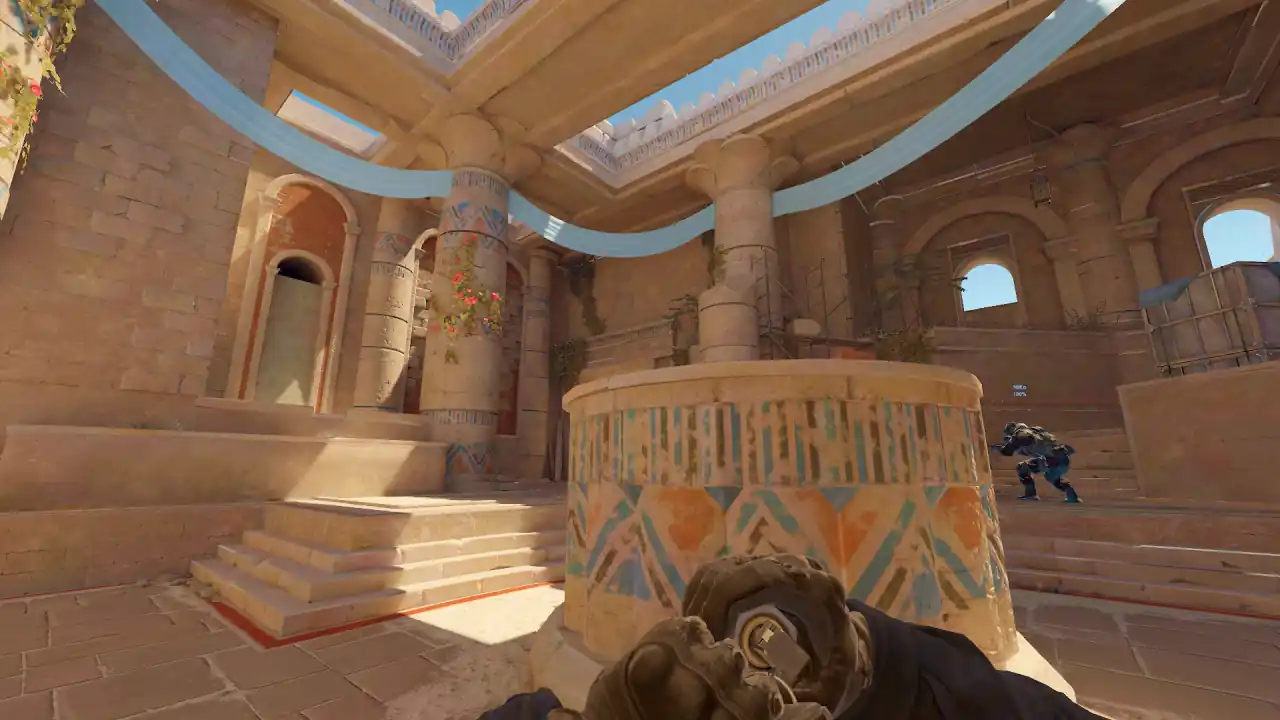
How to review a CS2 match with your team
Agree on one question, pick three to five rounds that decided the match, and watch each one together: the whole map first, then the view of the player whose decision it was. Pause at the decision, not at the kill. End each round with one rule the team can perform next match.
On Memorin, each teammate pastes the same match share code after a free Steam sign-in and watches it free in 2D. A private match does not open for anyone else. A shared moment link does: that moment plays in 3D for anyone, and making one is PRO.
How should a team review a CS2 match?
- One question, set before the call. For example: why do our B retakes fail? A review with no question becomes a rewatch.
- One driver. One person plays the demo and shares their screen in the voice call. The others open the same match on their own, to check a detail without stopping everyone.
- Three to five rounds. The ones that decided the match, not the ones people remember. Add one round you won on the same side.
- The whole map first. Watch the round on the 2D radar: spacing, rotations and utility, all at once.
- Then the player's view. The player whose decision it was says what they knew at that moment. Then switch to free camera to see what was true.
- One rule per round. Write it where the team will see it before the next match, like "hold until the connector player can trade".
How does everyone open the same match?
| You have | How each teammate opens it |
|---|---|
| A Premier or matchmaking match | Post the match share code (CSGO-…) in team chat. Each player pastes it into Memorin after a free Steam sign-in. It opens free in 2D. |
| A FACEIT match | Each player uses the browser extension on the matchroom, or downloads the file and drops it in. |
A .dem file | Share the file. Each player uploads it. |
| A pro match you want to copy | Send the match page from the pro match library. It opens free in 2D, with no account. |
| One moment | A PRO player creates a moment and shares the link. Anyone plays that moment in 3D, with no account; the rest of the match is in 2D, or in 3D with PRO. |
Each copy belongs to the account that added it. A private demo and its parsed data are available only to that account, so a link to your own copy shows nothing to a teammate. On the free tier, each import counts toward that player's own free allowance.
Watch a real round, take over and play it. Today's moment is free in 3D, with no account.
Play daily
Which Memorin tools help in a team review?
| Key | What it does | Tier |
|---|---|---|
| R | The review panel: rounds, events and utility for the match | Free in 2D |
| Shift + Q / E | Previous or next death | Free |
| T | The tactical map, to draw on | Drawing is free; placing utility and moving players is PRO |
| V · C | Player POV · free camera, in 3D | PRO on your own and pro matches |
| Replay Moments | Take over the round from the same position and play the rule | PRO; the Daily Moment is free |
Every key can be changed in Settings. CS2 demo controls lists the rest.
Which rounds should a team review?
- The first death in a close round.
- A round where the team lost a man advantage.
- A failed site entry or a failed retake.
- A round where expensive utility bought no space.
- One round you won on the same side and site, to compare.
The difference between the lost round and the won one, such as timing, spacing or utility order, is the lesson you can name. How to review a CS2 demo has the solo version of this routine.
Where does Memorin lose for team review?
- No synced playback. Each person controls their own copy, so the team watches one shared screen. roundiq.gg, for one, says on its home page: "Sync playback and live annotations when the team reviews together." (checked on 16 November 2026).
- No shared drawing board. A drawing on the tactical map is on the screen of the person who drew it.
- No team workspace. Matches are stored per account. A private match is never visible to a teammate.
- 3D is PRO for each viewer. On your own and pro matches, each teammate who wants the 3D view needs PRO.
FAQ
What is the best way to review a CS2 match with my team?
Agree on one question before the call. Pick three to five rounds that decided the match. Watch each one on the whole map first, then from the view of the player whose decision it was, and pause at the decision. End each round with one rule the team can perform next match.
Can my teammates open my demo on Memorin?
Not your private copy. A private demo and its parsed data are available only to the account that added it. Each teammate pastes the same match share code after a free Steam sign-in and gets their own copy. A shared moment link is the exception: anyone can open it.
Do my teammates need PRO?
Not for 2D. Pro matches open free in 2D, and your own matches do too with a free Steam sign-in, review panel included. The 3D view of your own and pro matches is PRO, for each person who uses it. A shared moment link plays that moment in 3D for anyone.
Should a team watch POV or free camera first?
POV first. Free camera shows what the player could not know, and once the team has seen it, every judgement is unfair. Watch the view, ask what was knowable, then switch to free camera to see what was true.
Do CS2 demos have the team's voice comms?
It depends on who recorded the demo. Valve matchmaking demos and GOTV broadcast demos carry no player voice. Server-recorded demos, FACEIT being the main case, can carry it.
roundiq.gg's line is quoted from its own home page, checked on 16 November 2026. Memorin's sharing rules and tiers are how its server gates them today.