
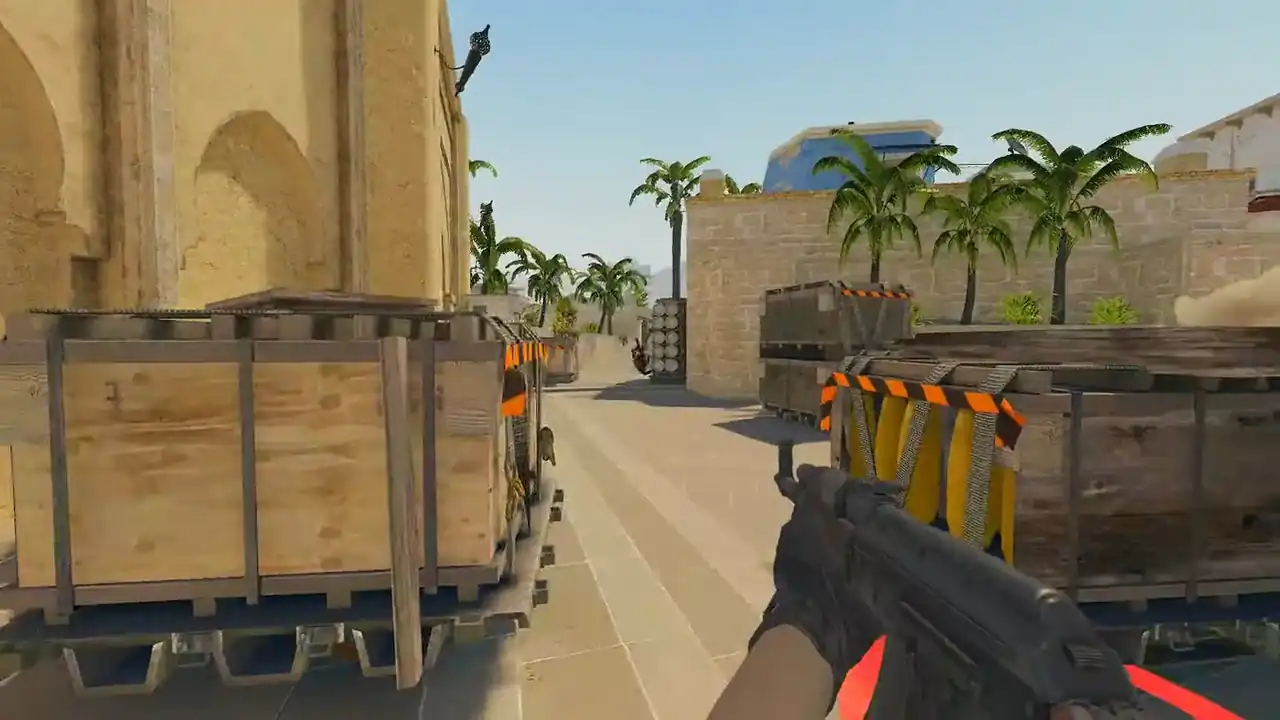
CS2 match sharing code: how to watch Premier demos
A match sharing code is a short string that starts with CSGO- and points to one Premier or matchmaking match. Copy it in CS2 from Watch → Your Matches.
Paste it into a browser demo viewer such as Memorin and the server fetches that match's recording and rebuilds it in 2D, or in 3D with PRO. Add your match history authentication code once and new matches import by themselves.
What is a CS2 match sharing code?
A CS2 match sharing code is a short string beginning with CSGO- that identifies one matchmaking match. Counter-Strike 2 shows it under Watch → Your Matches, and it is the address Valve uses for that match's recording.
The code is not the demo. It is a pointer that lets a service ask Valve where the demo is. If Valve still has the recording, the code leads to it. If not, the code leads nowhere, whatever tool you use.
How do I watch a CS2 demo with a match sharing code?
- Copy the code. In Counter-Strike 2, open Watch → Your Matches, pick the game and copy its match sharing code.
- Open Memorin. Go to the demo viewer and sign in with Steam.
- Paste the code. Paste the
CSGO-code into the import box. The same box takes Leetify match links and direct demo URLs. - Wait for the parse. The server downloads the recording and indexes rounds, kills, grenades and moments once. Reopening the match later is quick.
- Watch and review. Use the round timeline and the match review panel. In 3D (PRO), use player POV, follow and free cameras.
You do not need CS2 running, and the demo never has to reach your disk. Already downloaded the file? Upload it instead. Compressed files go in as they are: .dem, .dem.gz, .dem.zst and .dem.bz2.
Watch a real round, take over and play it. Today's moment is free in 3D, with no account.
Play daily
What is the CS2 match history authentication code?
It is a code from Steam that lets a service read your list of match sharing codes. Steam support shows it on its "Access to Your Match History" page for Counter-Strike 2.
Connecting match history in Memorin takes two things: that authentication code and one recent match sharing code. Valve's match history interface walks forward from a match you supply, so the share code is the starting point. After that, new matches import by themselves.
A free account adds 1 demo a day, kept 2 days, from any source. Automatic import decides which games arrive, not how many. Matches past the day's one are held and imported as the allowance frees up. PRO removes the limit and keeps demos 30 days.
Why does an old match sharing code not work?
Usually because the recording is gone. When Valve's match service answers a share code without a demo, there is nothing left to download, and no viewer can change that. Import the games you care about while they are recent. Connecting match history does this for you on the day you play.
Seeing "download incomplete" in the game? See CS2 demo download incomplete.
Why does the demo not match what I saw?
A matchmaking demo is a server recording, not a video of your screen. The replay rebuilds positions, aim angles, weapons, utility and events from it. Playback runs at whole-tick precision, so sub-tick timing is not recovered, and your video settings are not in the file. The methodology page explains where the data ends.
What should I review in a Premier demo?
- Deaths that repeat. One bad peek is bad luck. The same peek in three games is a habit.
- Rounds that changed the score, especially the round after a big win.
- Skip the highlight rounds. They feel good and teach little.
- Play it, do not rewatch it. Take the repeated death over as a Replay Moment (PRO) and try a different answer.
For a full routine, read how to review a CS2 demo.
FAQ
What is a CS2 match sharing code?
A CS2 match sharing code is a short string beginning with CSGO- that identifies one matchmaking match. Counter-Strike 2 shows it under Watch, Your Matches, and it is the address Valve uses for that match's recording.
How do I copy a match sharing code from my CS2 match history?
In Counter-Strike 2, open Watch, then Your Matches, pick the game and copy its match sharing code. It starts with CSGO-.
How do I watch a CS2 demo with a code?
Paste the match sharing code into a browser demo viewer such as Memorin after signing in with Steam. The server fetches the recording and rebuilds the match in 2D (3D with PRO), so you do not need CS2 running.
What is the CS2 match history authentication code?
It is a code from Steam that lets a service read your list of match sharing codes. Steam support shows it on its Access to Your Match History page for Counter-Strike 2.
Why does automatic import need one share code to start?
Valve's match history interface walks forward from a match you supply, so one recent share code is the starting point. An older code lets it pick up more of your history.
Why does an old match sharing code not work?
Usually because the recording is gone. When Valve's match service answers a share code without a demo, there is nothing left to download, and no viewer can change that.